
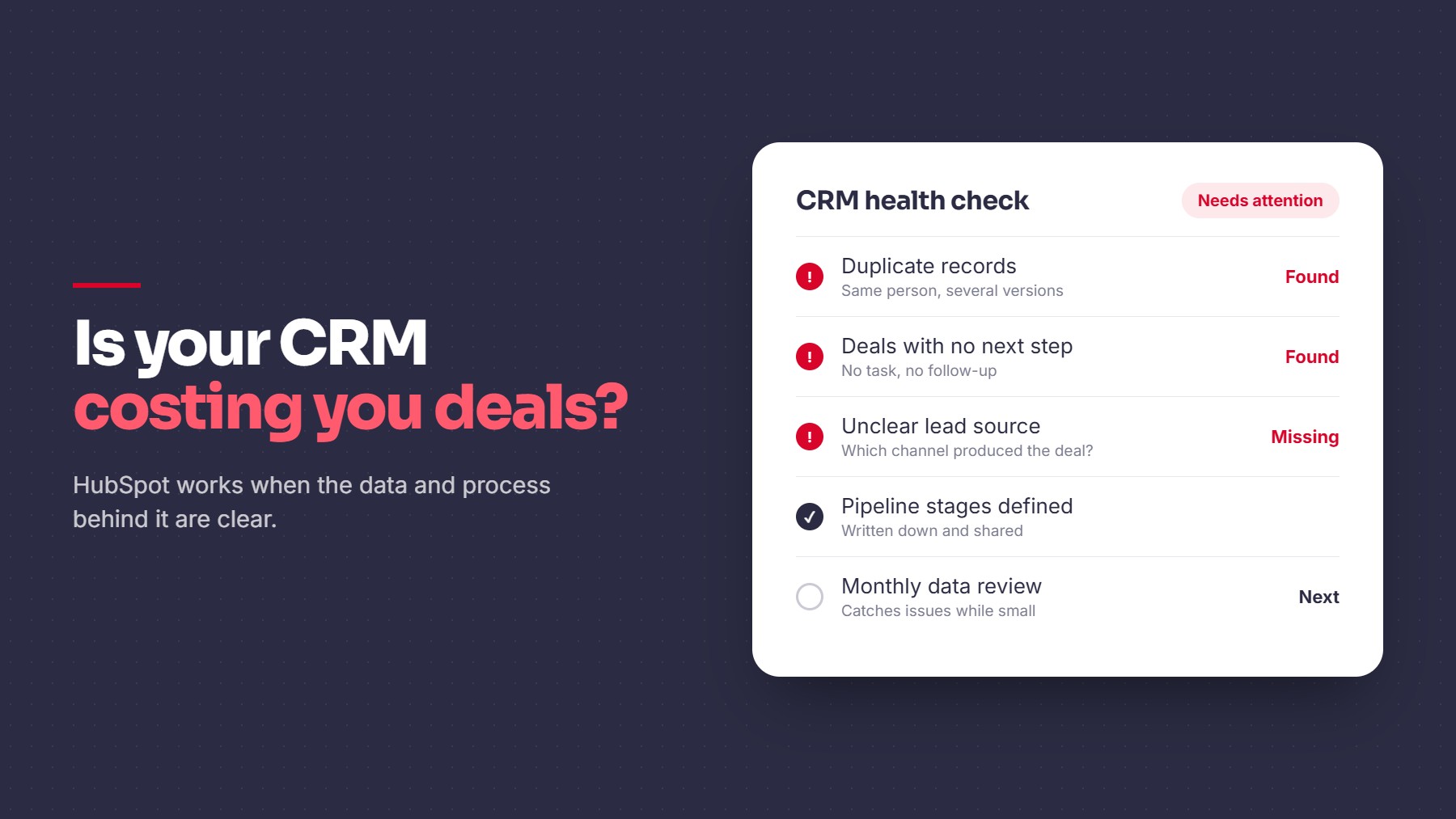
A CRM can look fine on the surface and still cause problems underneath. The tool isn’t usually the issue. HubSpot works well when the data and process behind it are clear. The trouble starts when they aren’t.
Signs Your CRM Is Costing You Deals
- Duplicate records. Two reps contact the same person, or one account has several versions.
- Missing key fields. No owner, no source, no next step, no close date.
- Stages nobody enforces. A deal marked “ready to close” has had no activity for weeks.
- Reports that disagree with your team. If the forecast and what reps say don’t match, one of them is wrong.
- Deals without a next action. Opportunities sit with no task or follow-up.
- Unclear lead source. You can’t say which channel produced which deal.
- Manual updates. Data only changes when someone remembers to type it in.
Why It Happens
- Several people entering data in different ways
- Tools connected without a plan for how data moves
- Pipeline stages that were never clearly defined
- No owner responsible for data quality
How to Fix It
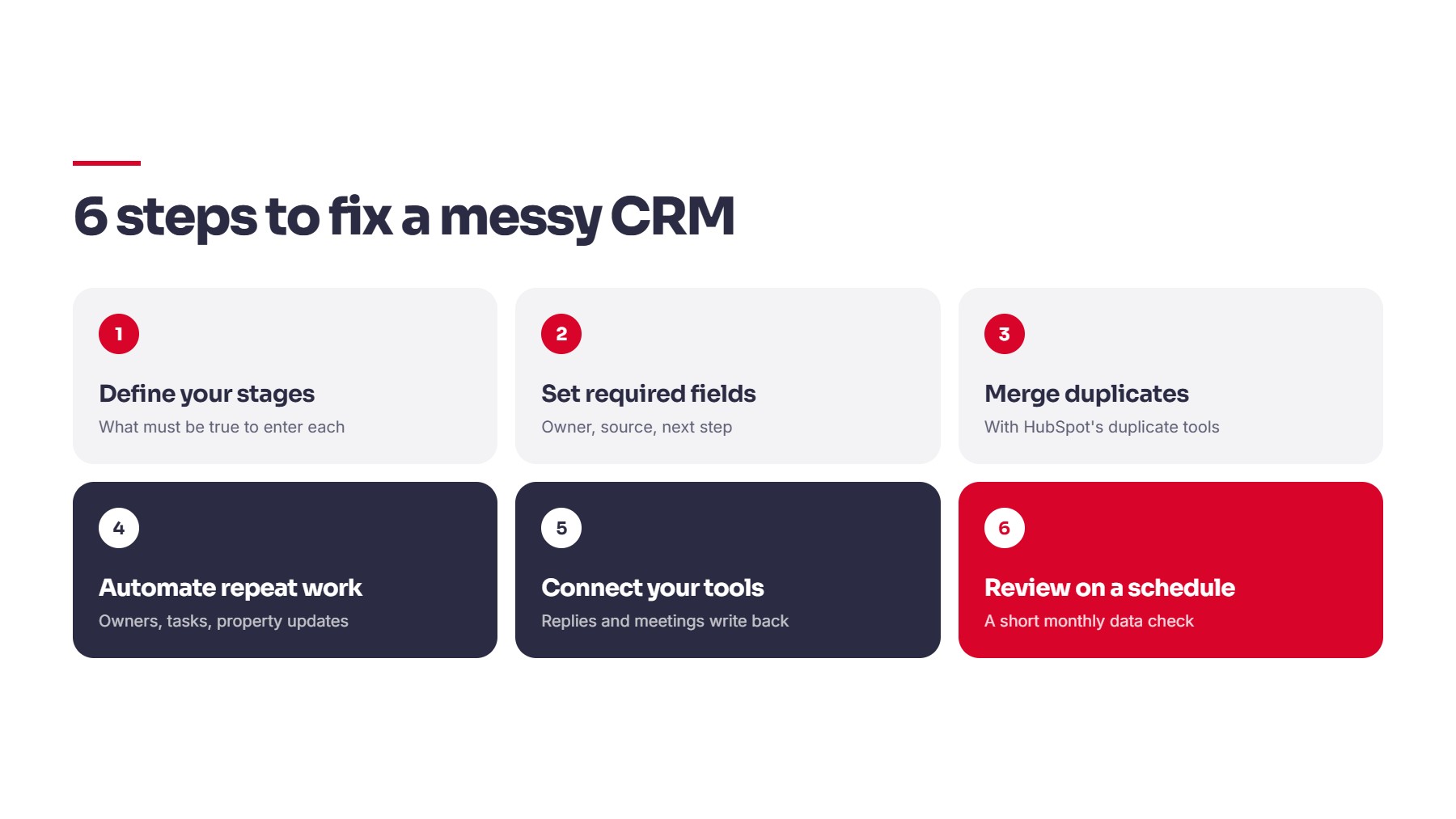
1. Define your stages. Write down what must be true for a deal to enter each stage. Put that definition where reps can see it.
2. Set required fields. Make owner, source, and next step mandatory at the right points.
3. Merge duplicates. Use HubSpot’s duplicate management tools. The HubSpot Knowledge Base covers the current steps.
4. Automate the repeat work. Use workflows to assign owners, create follow-up tasks, and update properties when something happens.
5. Connect your tools properly. Forms, email, enrichment, and outbound tools should write back to the CRM automatically, so replies and meetings are tracked from the start.
6. Review it on a schedule. A short monthly data check catches issues while they are still small. HubSpot Academy offers free training if your team needs a refresher on admin basics.
Quick Checklist
- Stage definitions written and shared
- Required fields set
- Duplicates merged
- Workflows covering follow-up and routing
- Lead source tracked on every record
- Monthly data review
Closing
Fixing a messy CRM is a regular part of our work, and it often means bringing scattered systems into one structure. You can see how we approach this under revenue operations, and how we’ve worked with B2B teams in our case studies. If your CRM no longer matches how your team sells, we can review it with you.
Share this article