
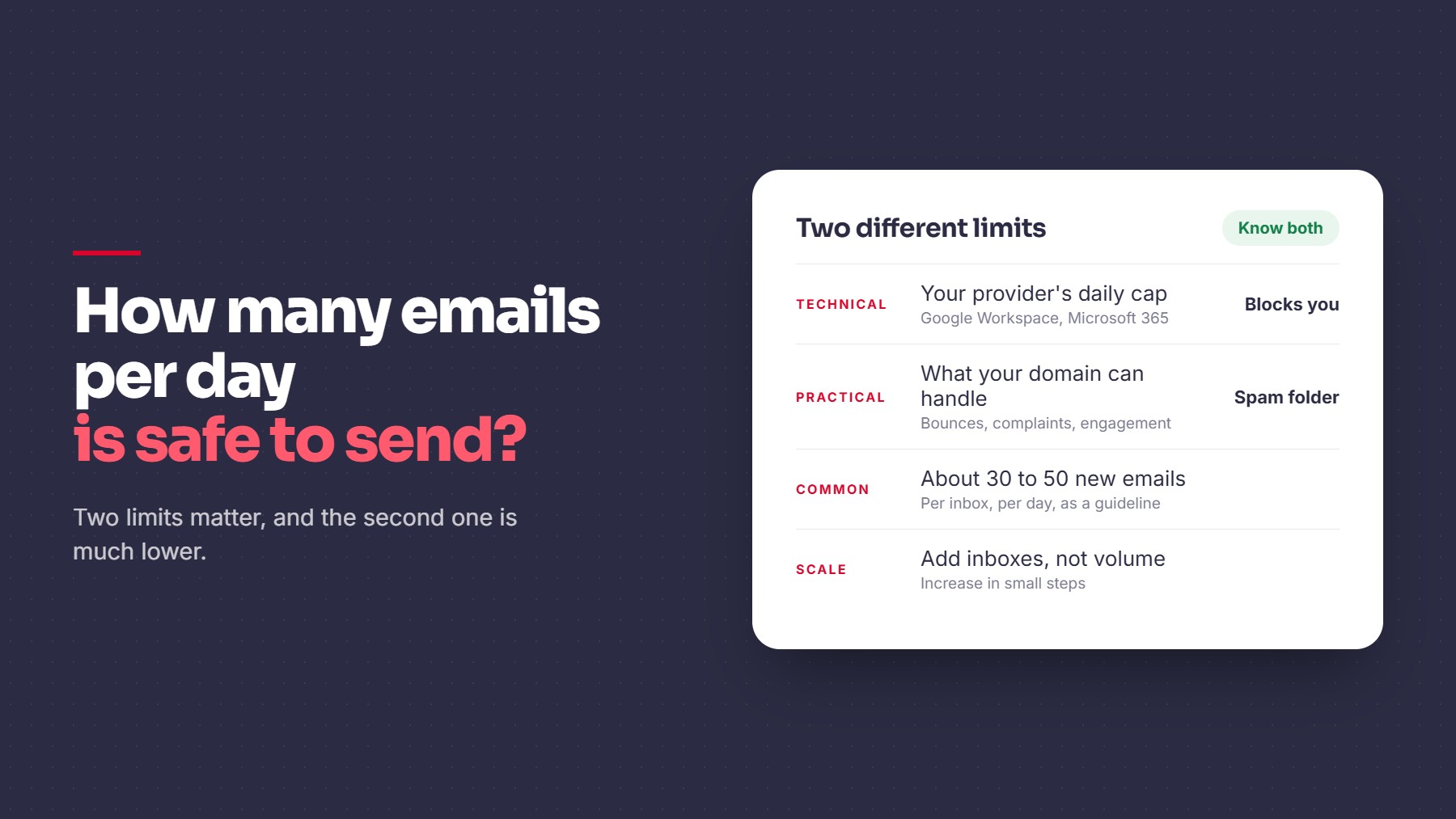
There are two different limits to know. One is the technical cap set by your email provider. The other is the volume your domain can handle without damaging its reputation. The second one is much lower.
The Technical Limit
Google Workspace sets a daily sending cap per user. Google publishes the current numbers on its sending limits page, and they can change, so check it directly. Microsoft 365 has its own limits as well.
Staying under the cap only means your account won’t be blocked. It says nothing about whether your emails reach the inbox.
The Practical Limit
Inbox providers judge you on behavior: bounces, complaints, and engagement. Google’s sender guidelines set out what it expects from senders. A new or lightly used domain has little trust, so high volume looks suspicious.
There’s no official safe number. Many cold email teams keep each inbox to roughly 30 to 50 new emails a day and add more inboxes to grow volume. Treat that as a common working guideline and adjust based on your own results.
What Affects Your Safe Volume
- Domain age and history. Newer domains need lower volume, so ramp up gradually.
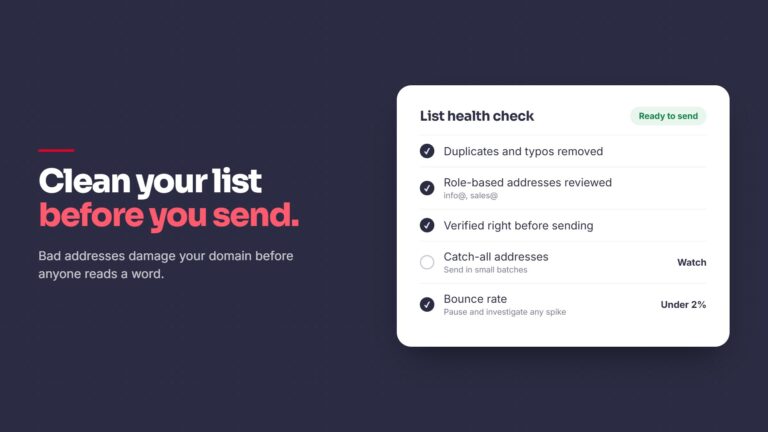
- List quality. Clean lists allow more volume, so verify before sending.
- Engagement. Replies help. Ignored emails and complaints hurt.
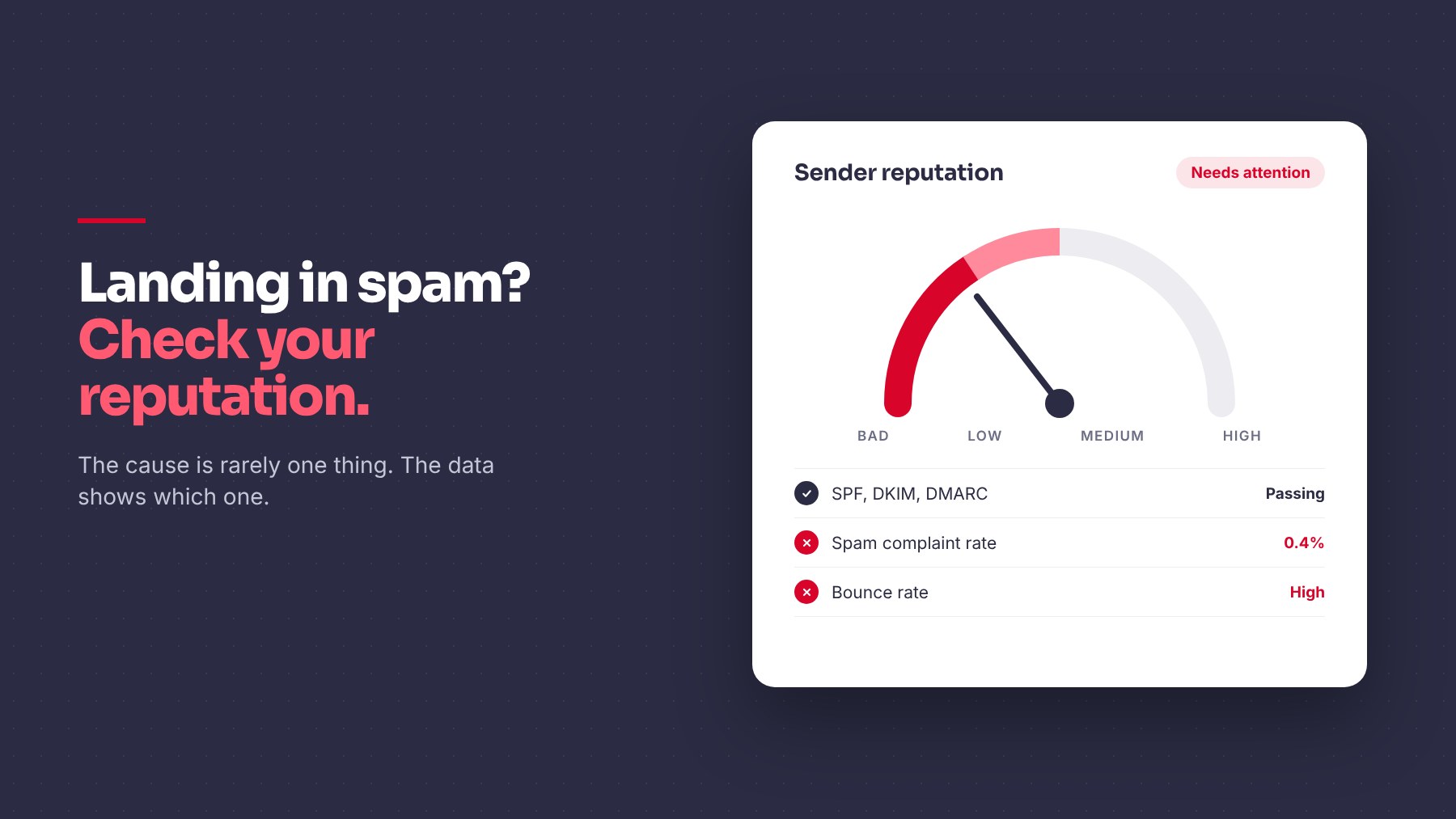
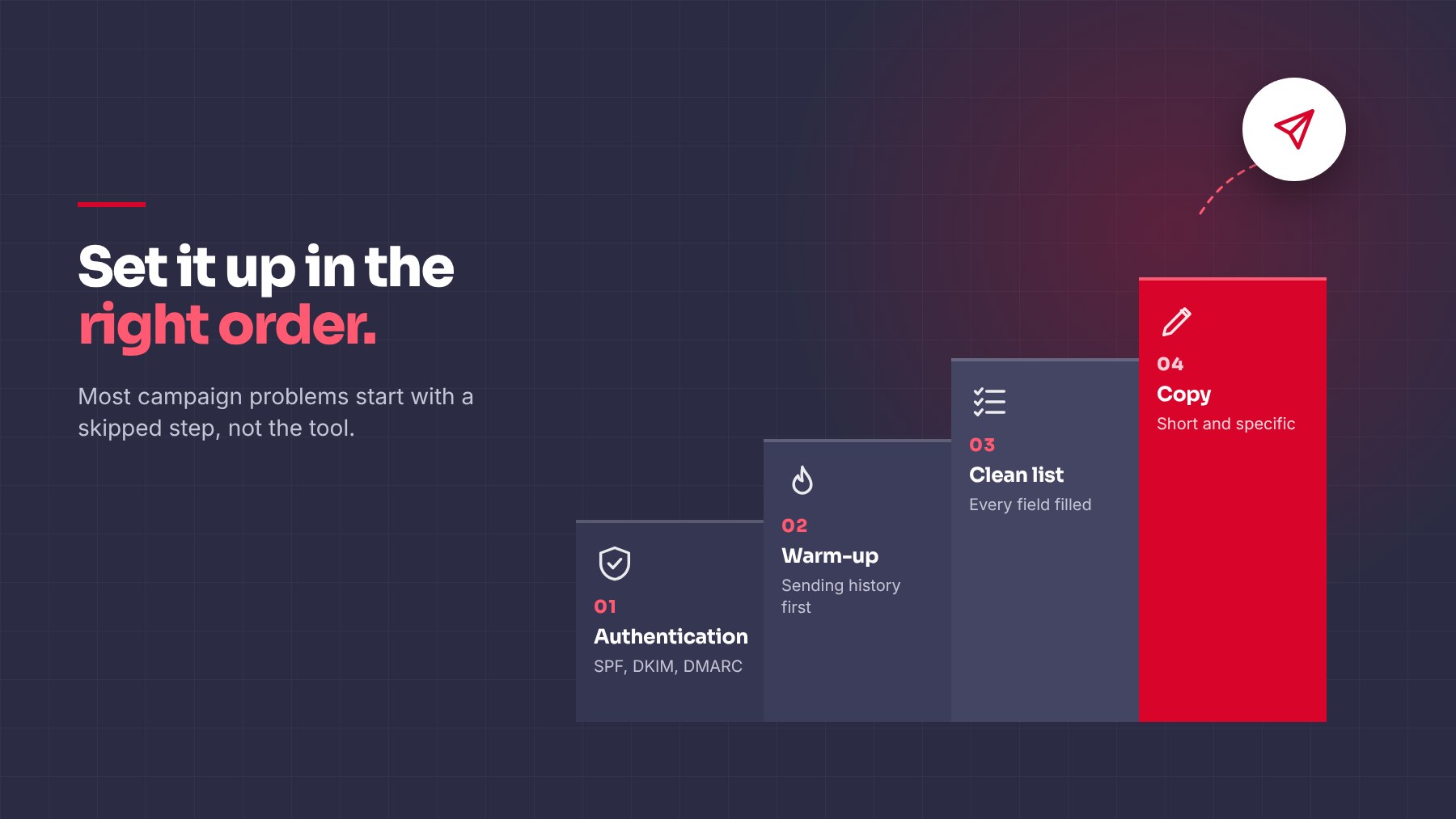
- Authentication. Broken records limit everything.
How to Scale Safely
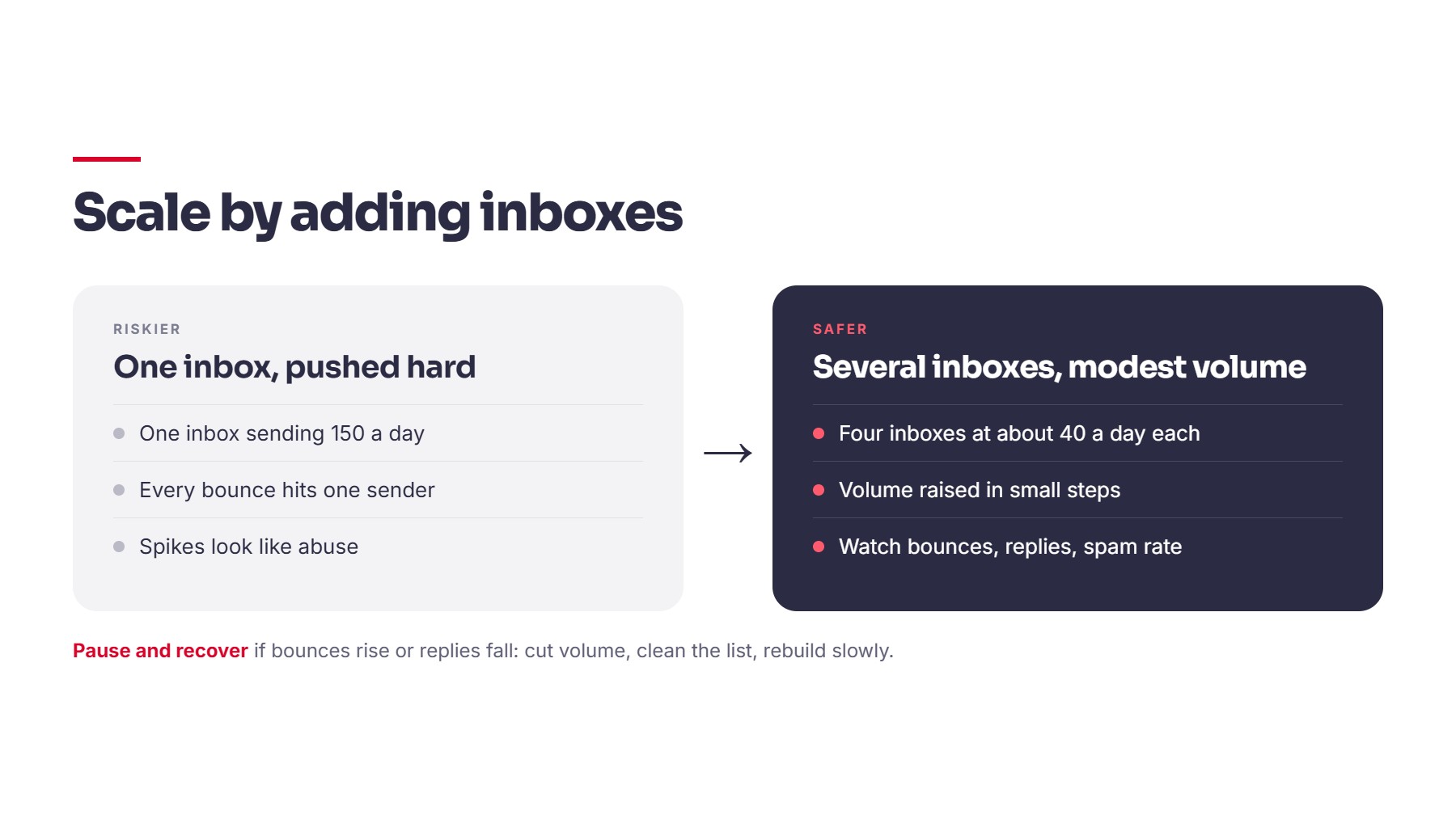
1. Spread volume across several inboxes. Several inboxes at modest volume are safer than one inbox pushed hard.
2. Increase gradually. Raise volume in small steps and watch results before the next increase.
3. Watch the warning signs. Rising bounce rates, falling replies, and spam folder placement mean you’ve gone too fast. Google Postmaster Tools shows your spam rate and domain reputation.
4. Pause and recover if needed. Cut volume, clean your list, and rebuild slowly.
5. Send fewer, better emails. Relevant outreach to the right people uses less volume and gets more replies. That’s why our process starts with signal detection and enrichment before any message goes out.
Quick Checklist
- Know your provider’s technical limit
- Keep per-inbox volume modest
- Add inboxes instead of pushing volume
- Increase in small steps
- Monitor bounces, replies, and spam placement
- Track reputation in Postmaster Tools
Closing
Sending volume matters less than who you send to and how relevant the message is. A smaller list of well-researched accounts will often outperform a larger generic one, and it’s far kinder to your domain. Personalised cold email is one of our demand generation services. If you want help planning outbound volume and infrastructure, we’re glad to walk through it.
Share this article