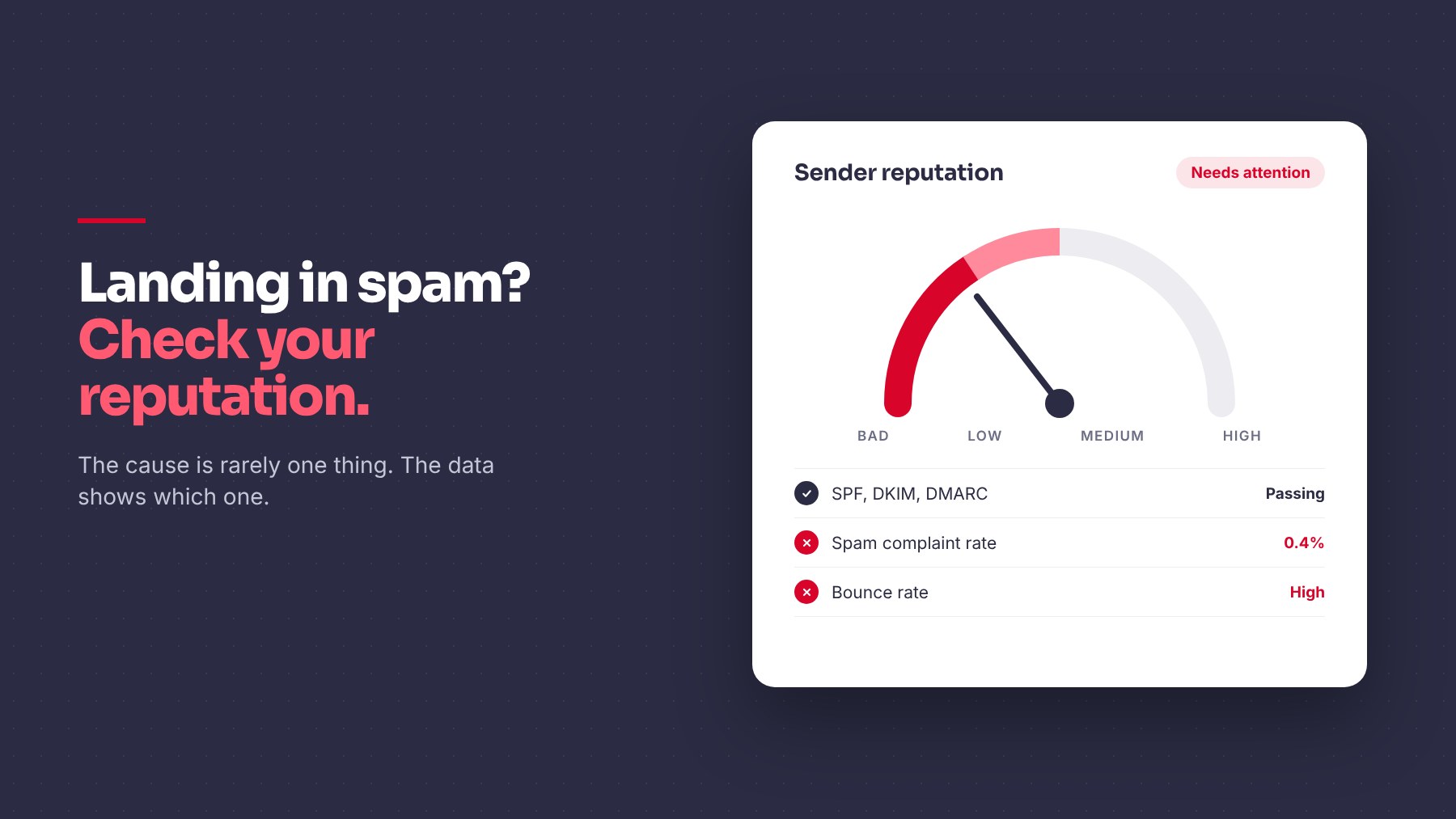
When emails land in spam, the cause is rarely one thing. It’s often a mix of technical setup, list quality, and how recipients react. Here is how to find which one is hurting you.
The Common Causes
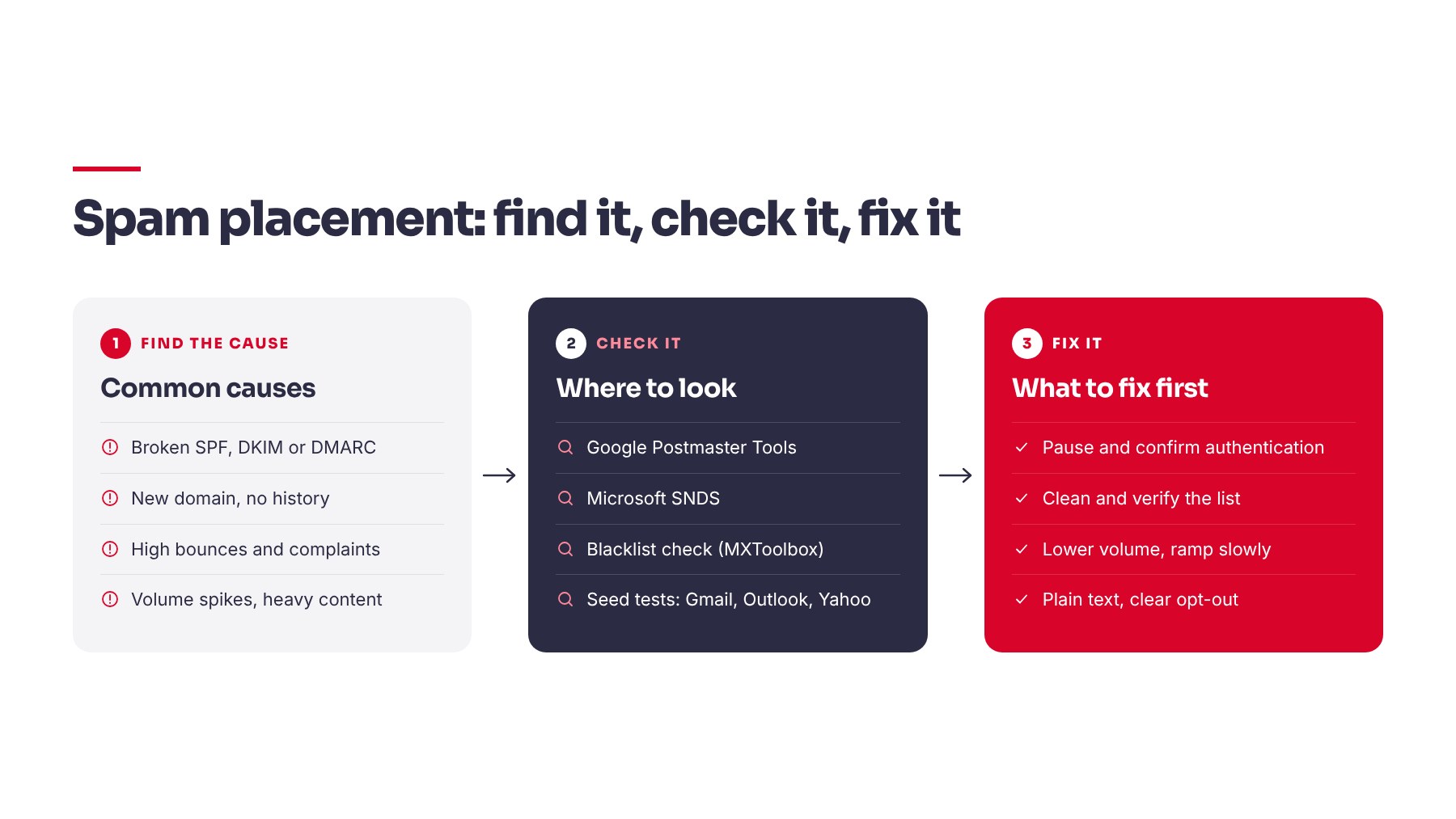
- Authentication problems. Missing or broken SPF, DKIM, or DMARC.
- A new or cold domain. No sending history means no trust.
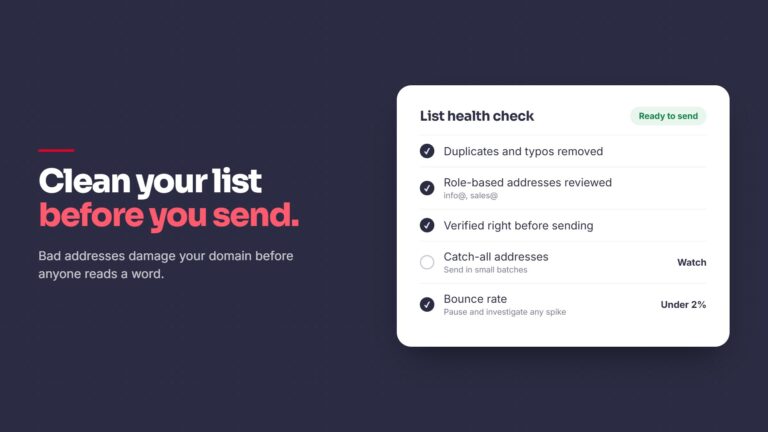
- High bounce rates. Sending to invalid addresses signals a poor list.
- Spam complaints. Google’s sender guidelines ask senders to keep the spam rate below 0.3%, and ideally under 0.1%.
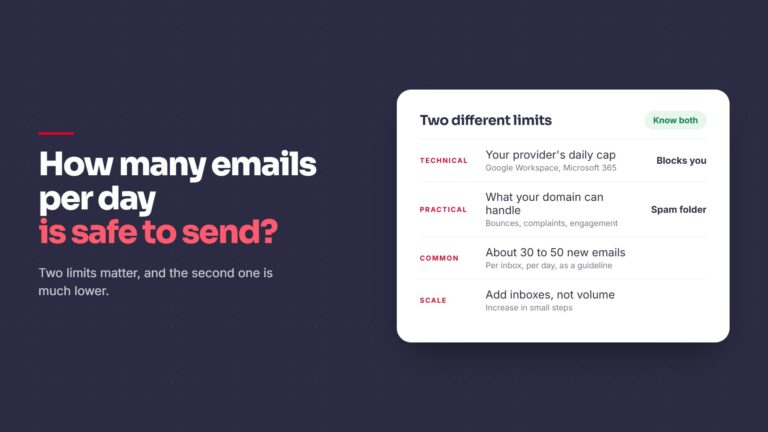
- Too much volume too fast. Sudden spikes look like abuse.
- Spammy content. Heavy formatting, many links, large images, or aggressive claims.
- No easy opt-out. If people can’t leave politely, they report you.
How to Check Your Sender Reputation
- Google Postmaster Tools. Once your domain sends enough volume to Gmail users, Postmaster Tools shows domain reputation, spam rate, and authentication results.
- Microsoft SNDS. For Outlook and Hotmail recipients, Microsoft’s Smart Network Data Services gives data on IP activity.
- Blacklist checks. Run your domain and sending IP through MXToolbox. Being listed doesn’t always mean a serious problem, but it’s worth knowing.
- Seed tests. Send a message to personal accounts on Gmail, Outlook, and Yahoo, and see where it lands.
What to Fix First
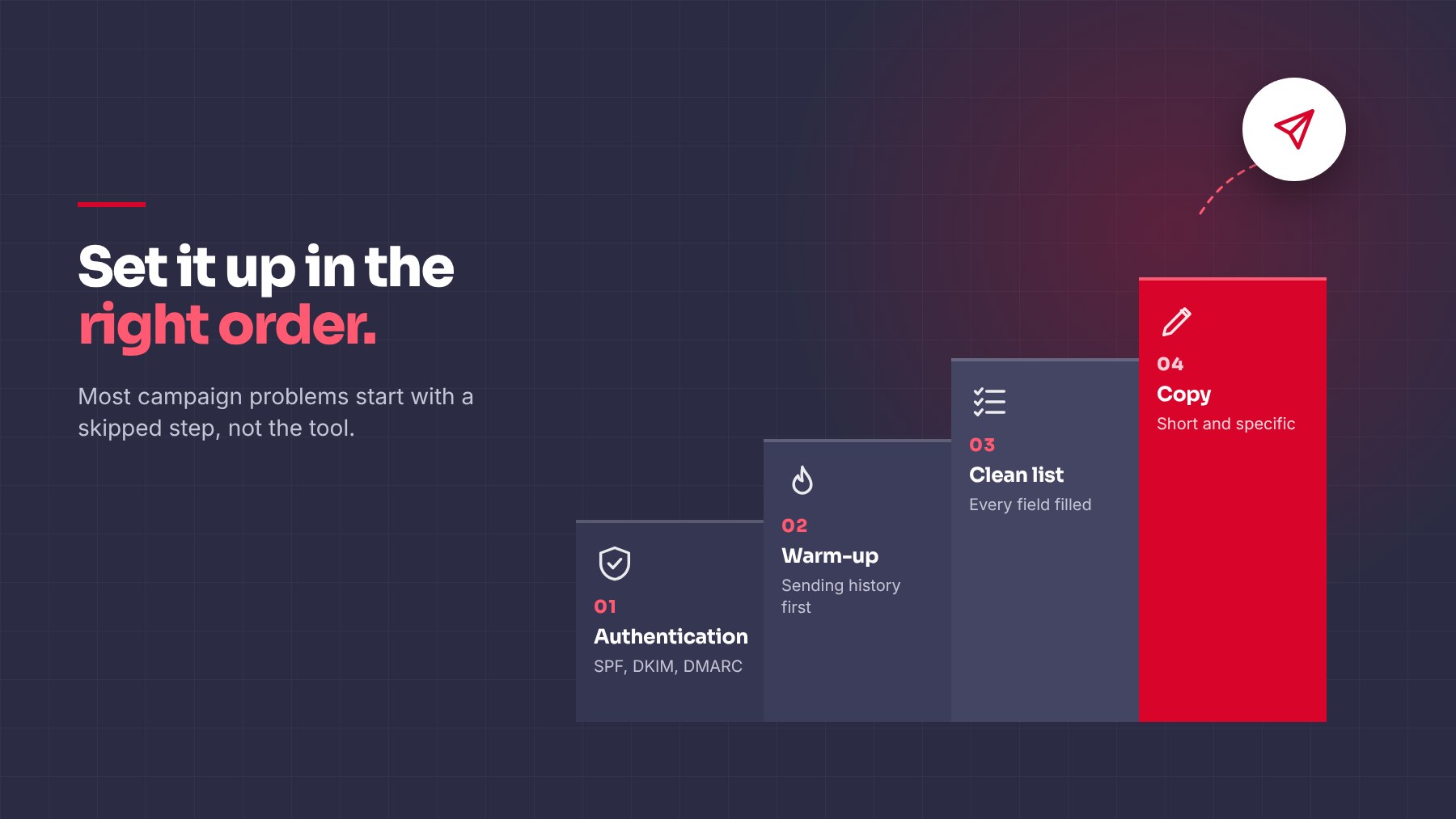
- Confirm authentication passes
- Pause campaigns while you investigate
- Remove invalid and unengaged contacts, and verify your list before the next send
- Lower daily volume, then raise it slowly
- Simplify the email: plain text, one link at most, no attachments
- Make sure every email has a clear way to opt out
Quick Checklist
- Authentication passing
- Bounce rate low
- Spam rate monitored
- Volume ramped gradually
- Content plain and relevant
- Opt-out included
Closing
Spam placement is a symptom. The data from Postmaster Tools, your bounce rate, and your reply rate tells you where the problem actually sits. If your outbound results have dropped and you aren’t sure why, we can help you look at the full picture. You can see how we run outbound and the results we’ve delivered before you book a call.
Share this article