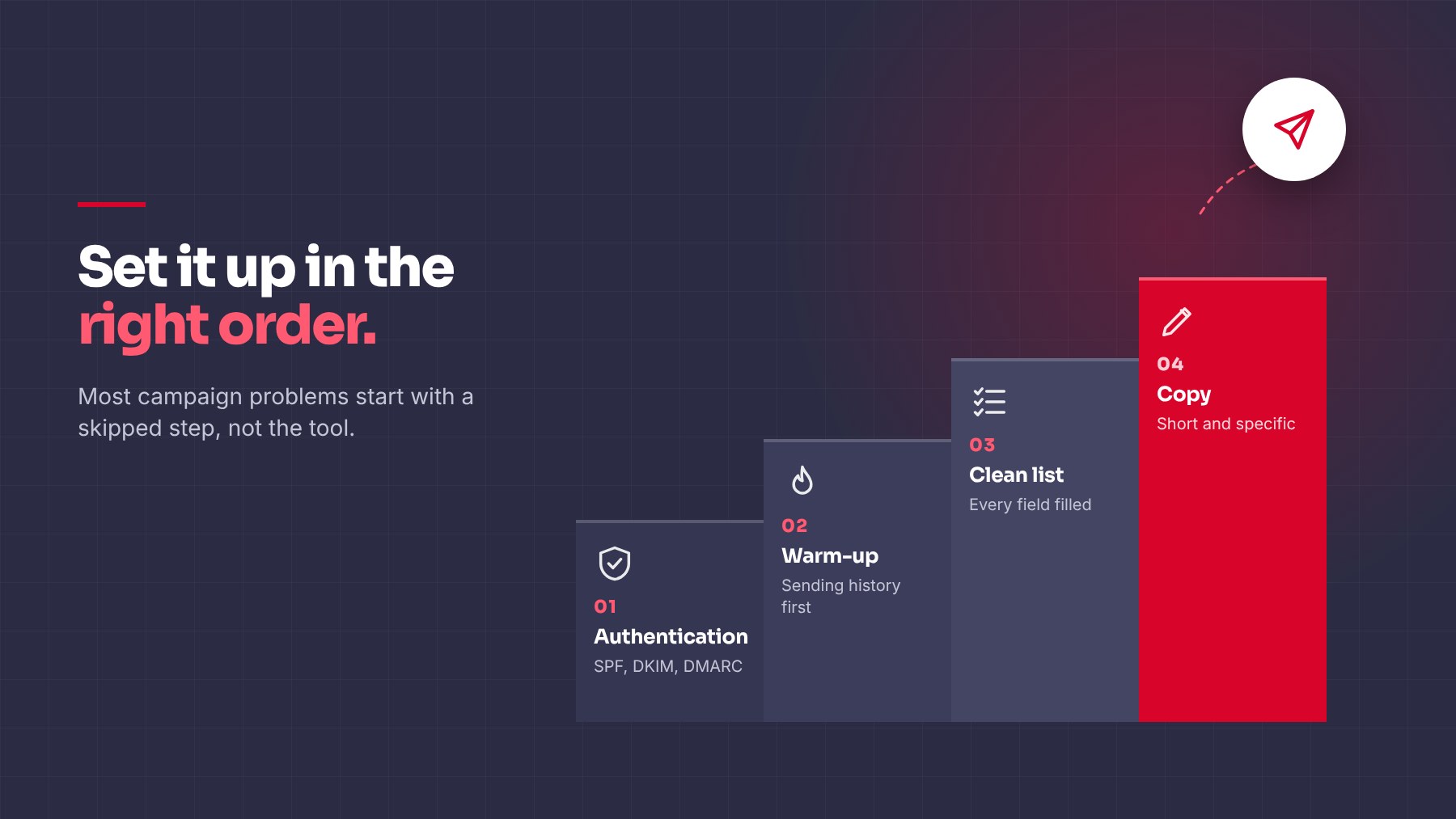
If your emails have started landing in spam, or open rates dropped for no clear reason, check your domain’s authentication setup before touching your subject lines.
What Each Record Does
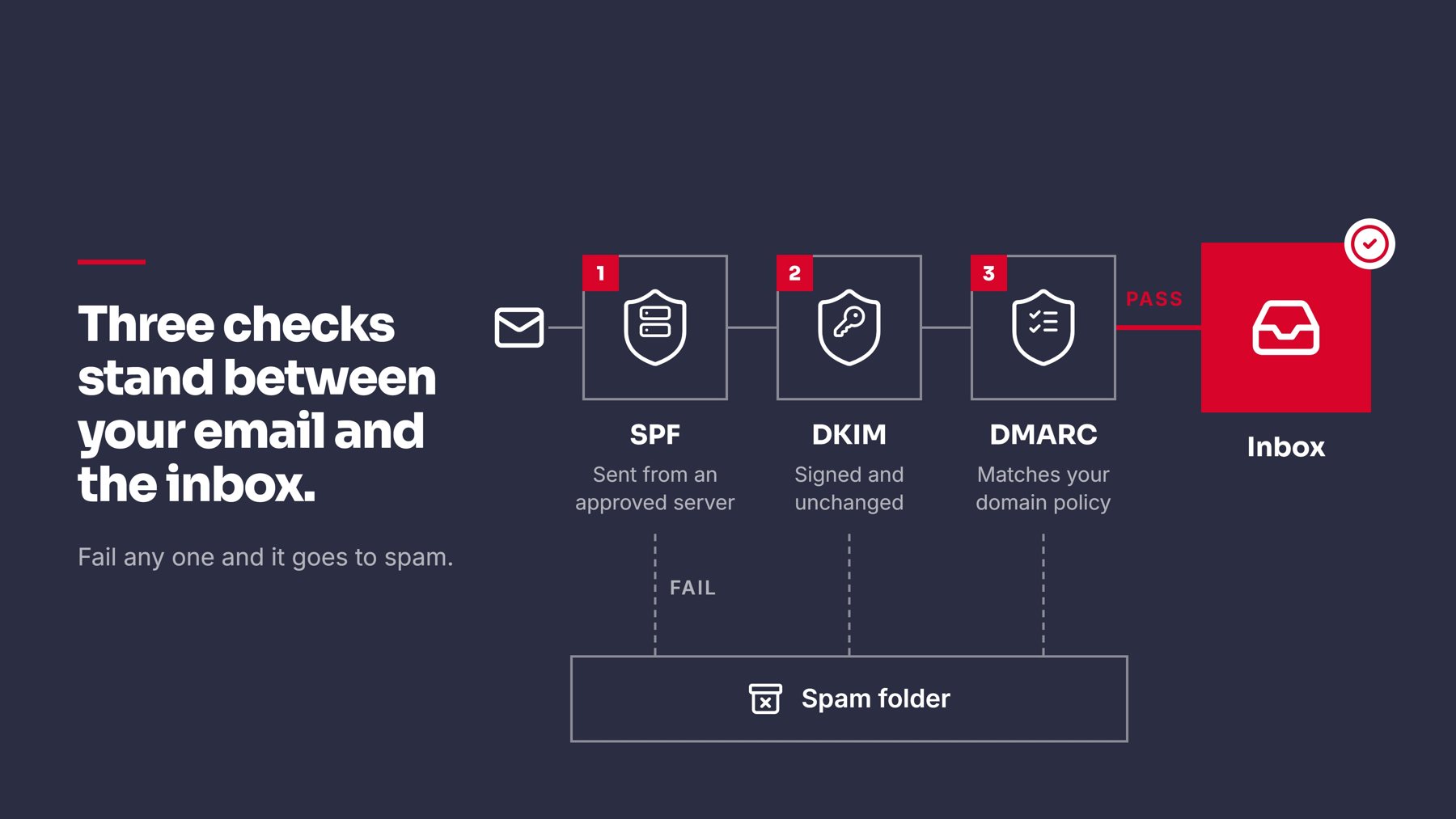
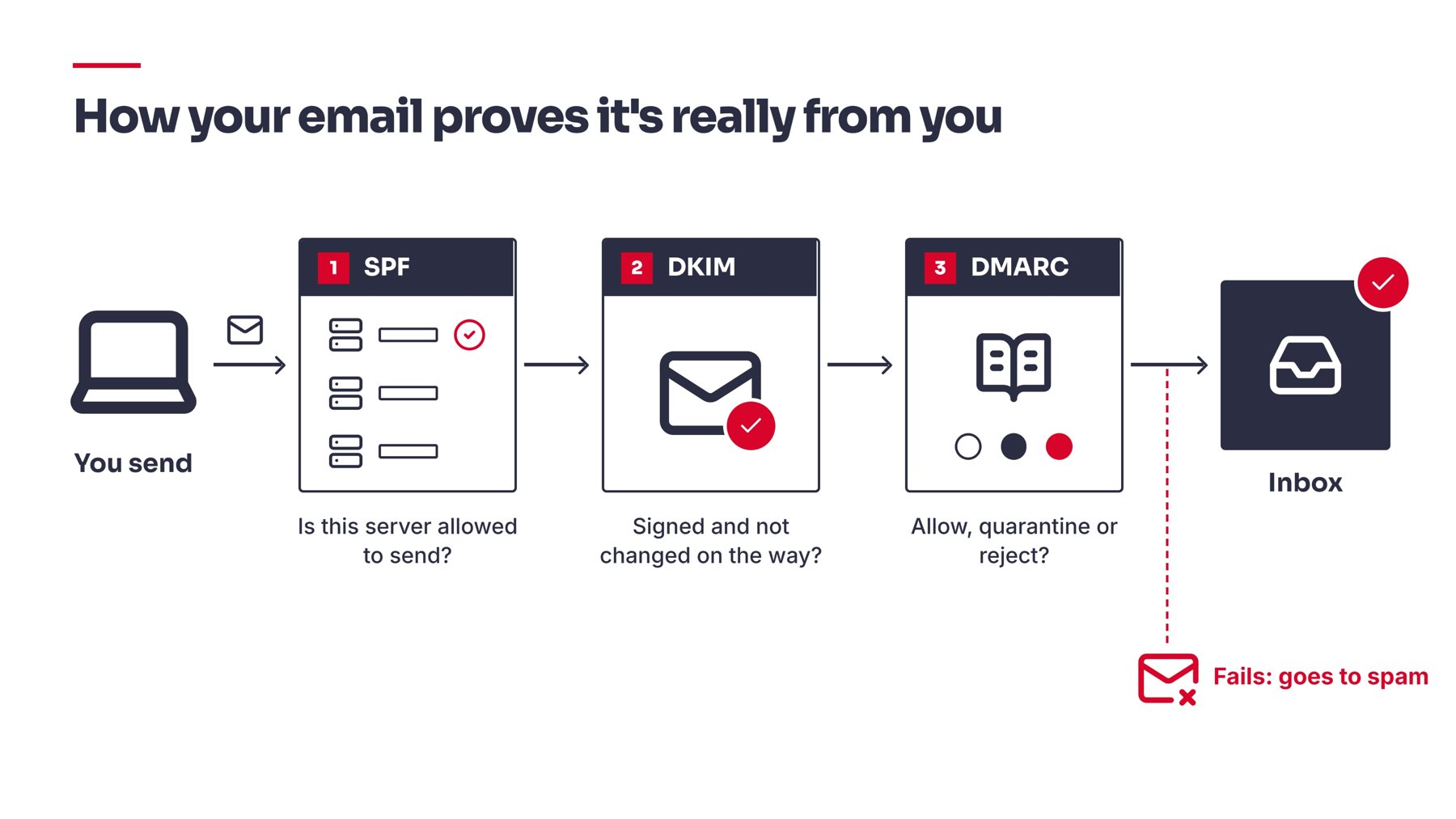
SPF lists which servers are allowed to send email for your domain.
DKIM signs each email so receivers can confirm it wasn’t altered in transit.
DMARC tells inbox providers what to do if SPF or DKIM fails, and reports back who’s sending mail as your domain. The official reference for how DMARC policy and reporting works is available at dmarc.org.
They work together. Good SPF with no DMARC still leaves gaps. Strict DMARC with broken DKIM can block your own mail.
If your domain sends over roughly 5,000 emails a day to Gmail addresses, these records aren’t optional. Google’s own bulk sender requirements make all three mandatory for reliable inbox placement.
Common Errors and Fixes
Multiple SPF records
DNS allows only one per domain. If different tools each told you to add this SPF record, you may have two or three, which breaks SPF entirely.
Fix: Merge every authorized sender into a single record, then delete the duplicates.
Too many DNS lookups in SPF
SPF fails past 10 lookups, even if every sender is legitimate.
Fix: Remove unused services from the record, or flatten it to static IPs if you’re near the limit.
DKIM missing for one sending platform
Common when you send from more than one tool since each needs its own DKIM record added.
Fix: Add the DKIM record from every platform you send through, not just one. If you’re setting up outbound in Instantly, this is one of the first steps their setup flow walks you through.
SPF and DKIM pass, but DMARC still fails
Usually an alignment issue where your visible “From” domain doesn’t match the domain that actually got authenticated.
Fix: Send from your exact root domain where possible, and check your platform’s alignment settings.
No DMARC record at all
SPF and DKIM run, but there’s no policy for failures and no visibility into who’s sending as you.
Fix: Start with p=none and reporting turned on, review a few weeks of data, then move to quarantine and eventually reject.
Jumping to “reject” too soon
Blocks spoofers, but can also silently block your own tools if they aren’t fully aligned yet.
Fix: Confirm every legitimate sender passes before tightening the policy.
Checking Your Setup
- Look up your SPF, DKIM, and DMARC records with a DNS lookup tool
- Send a test email and check the Authentication-Results header
- Turn on DMARC reporting to see pass and fail rates across all senders, not just one test
Quick Checklist
- One SPF record, under 10 lookups
- DKIM added for every sending platform
- From address aligned with the authenticated domain
- DMARC in place, starting at
p=none - Reports reviewed before moving to quarantine or reject
Related Reading
- How to Set Up a Cold Email Campaign in Instantly: once your domain is authenticated, this covers launching a campaign correctly
- Domain Warm-Up Checklist: How Long It Takes and How to Do It Right: authentication and warm-up go hand in hand
- Cold Email Deliverability Checklist: 12 Things to Check Before You Launch: a broader pre-launch review beyond just DNS records
Authentication issues are quiet. Nothing announces a broken SPF record, it just shows up later as lower open rates or mail that never arrives. Checking these three records takes a few minutes. Fixing them properly, and keeping them healthy as you add new tools, is what keeps a domain sending reliably over time.
If your outbound is set up but you’re not sure whether deliverability is the actual bottleneck, that’s worth checking before changing anything else in your campaigns.
Share this article