
A go-to-market strategy is the plan for who you sell to, how you reach them, and how you know it’s working. When that plan isn’t written down, each channel ends up making its own guesses about the buyer. This guide walks through the steps in the order that works.
What a GTM Strategy Covers
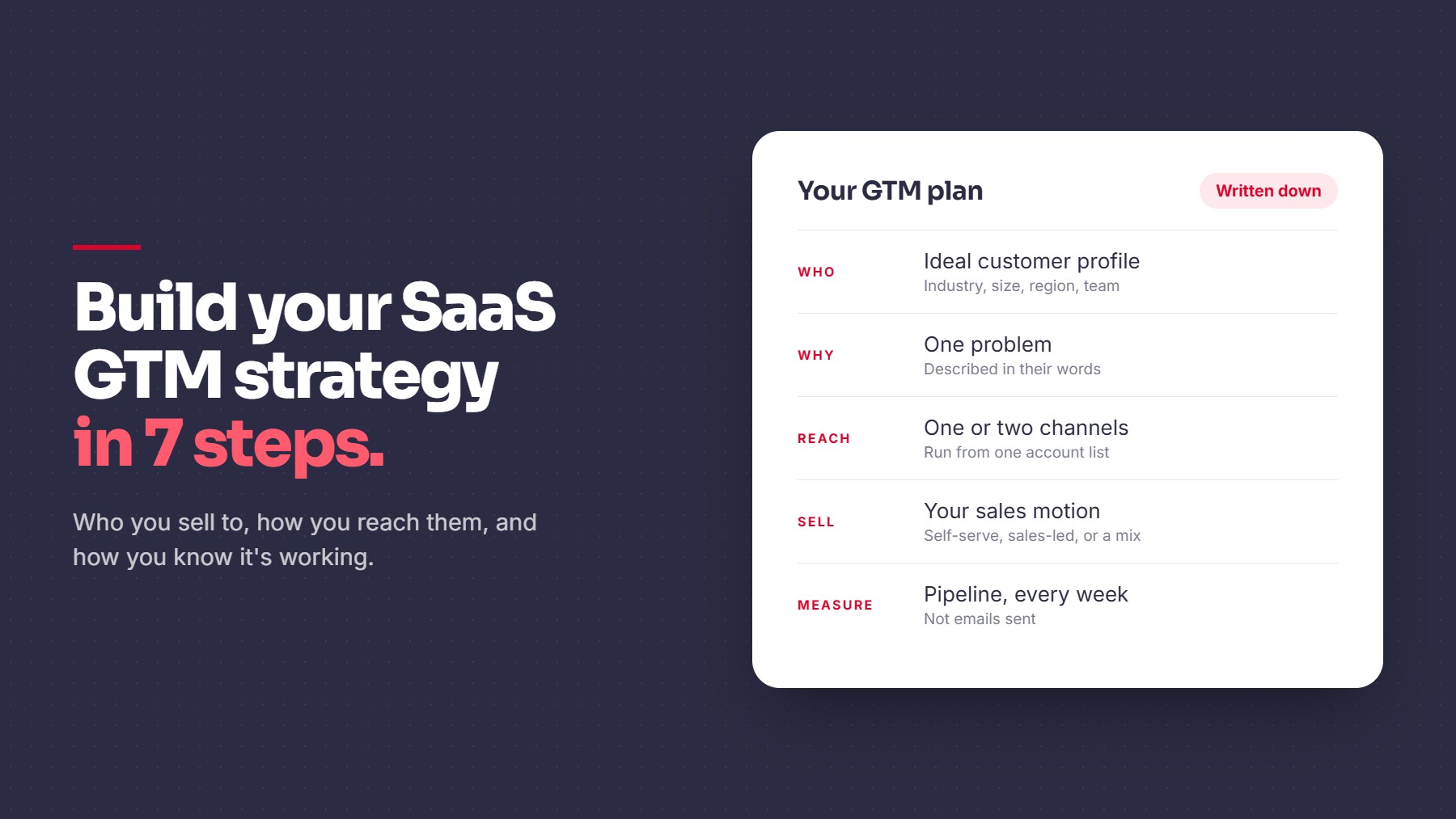
- Who: the companies and roles most likely to buy
- Why: the problem you solve for them, in their words
- How you reach them: the channels you will use first
- How you sell: self-serve, sales-led, or a mix
- How you measure: the numbers that show whether it’s working
7 Steps to Build Your SaaS GTM Strategy
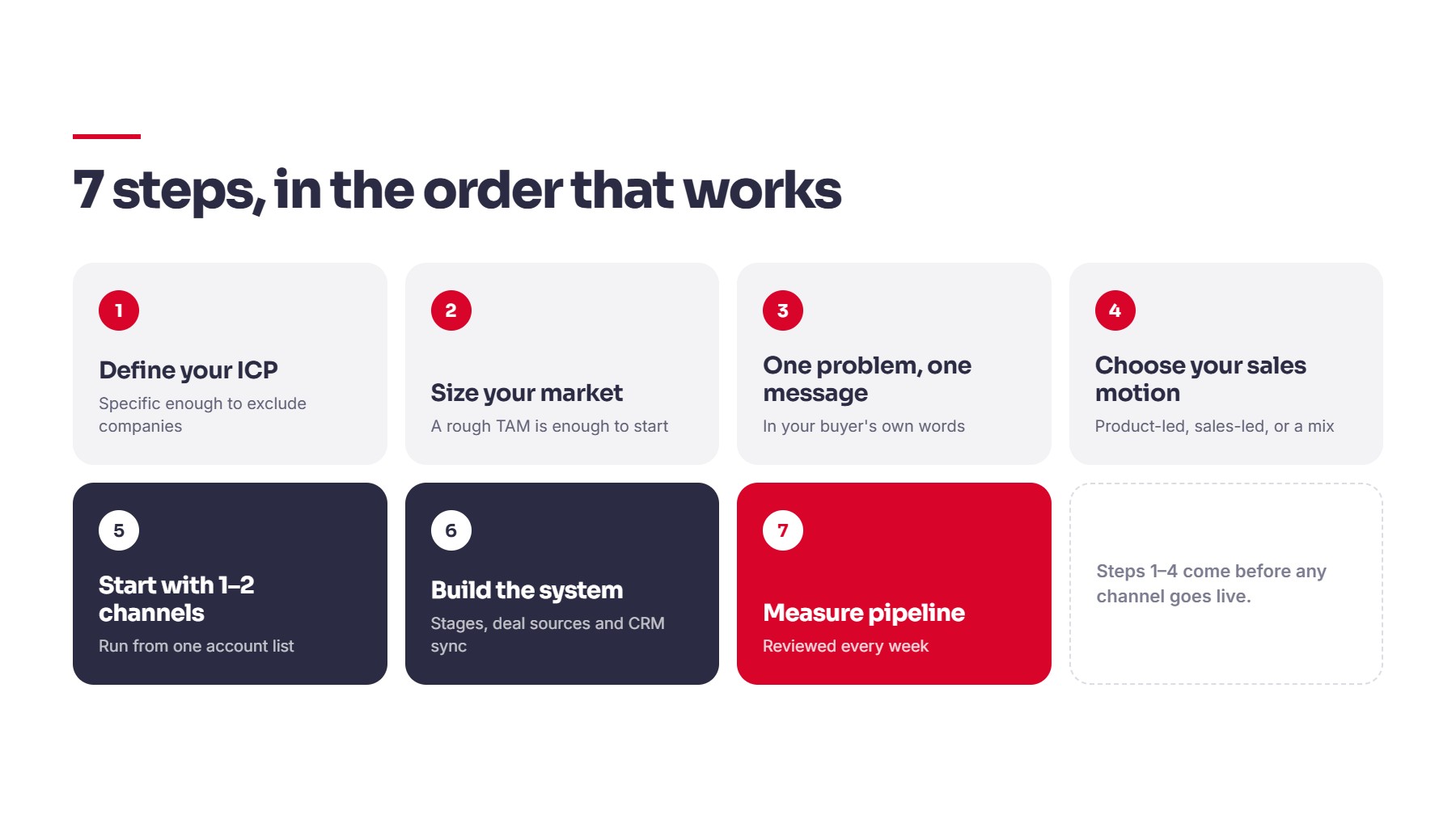
1. Define your ideal customer (ICP). Be specific enough to exclude companies. Write down the industry, company size, region, and the team that feels the problem most. Start by looking at your best current customers and what they have in common.
2. Size your market. Count how many companies fit your ICP. This is your total addressable market (TAM), and a rough number is enough to start. Qwilr’s SaaS GTM guide explains how to research it.
3. Pick one problem and one message. Choose the problem your buyer already knows they have, and describe it the way they would. Then check what they do today instead, which may be a spreadsheet, a manual process, or nothing at all.
4. Choose your sales motion. Product-led means buyers try the product on their own. Sales-led means your team guides them through evaluation and purchase. Price, product complexity, and who signs off usually decide which fits. This breakdown of product-led and sales-led GTM covers the trade-offs.
5. Start with one or two channels. Cold email, LinkedIn, content, and paid ads all work for some SaaS teams. Pick the ones that match your buyer and run them from the same account list, so you can see which accounts engaged on which channel. One SaaS platform ran cold email and LinkedIn together and saw qualified meetings triple within the first eight weeks of going live.
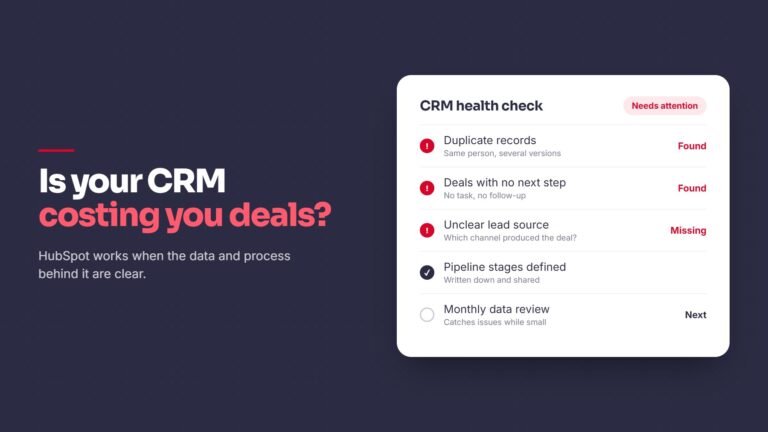
6. Set up the system behind the channels. Decide your pipeline stages and what must be true to enter each one. Record the source of every deal. Make sure replies and meetings write back to your CRM. This is the revenue operations work that makes results readable, and you can see how we approach it under our services.
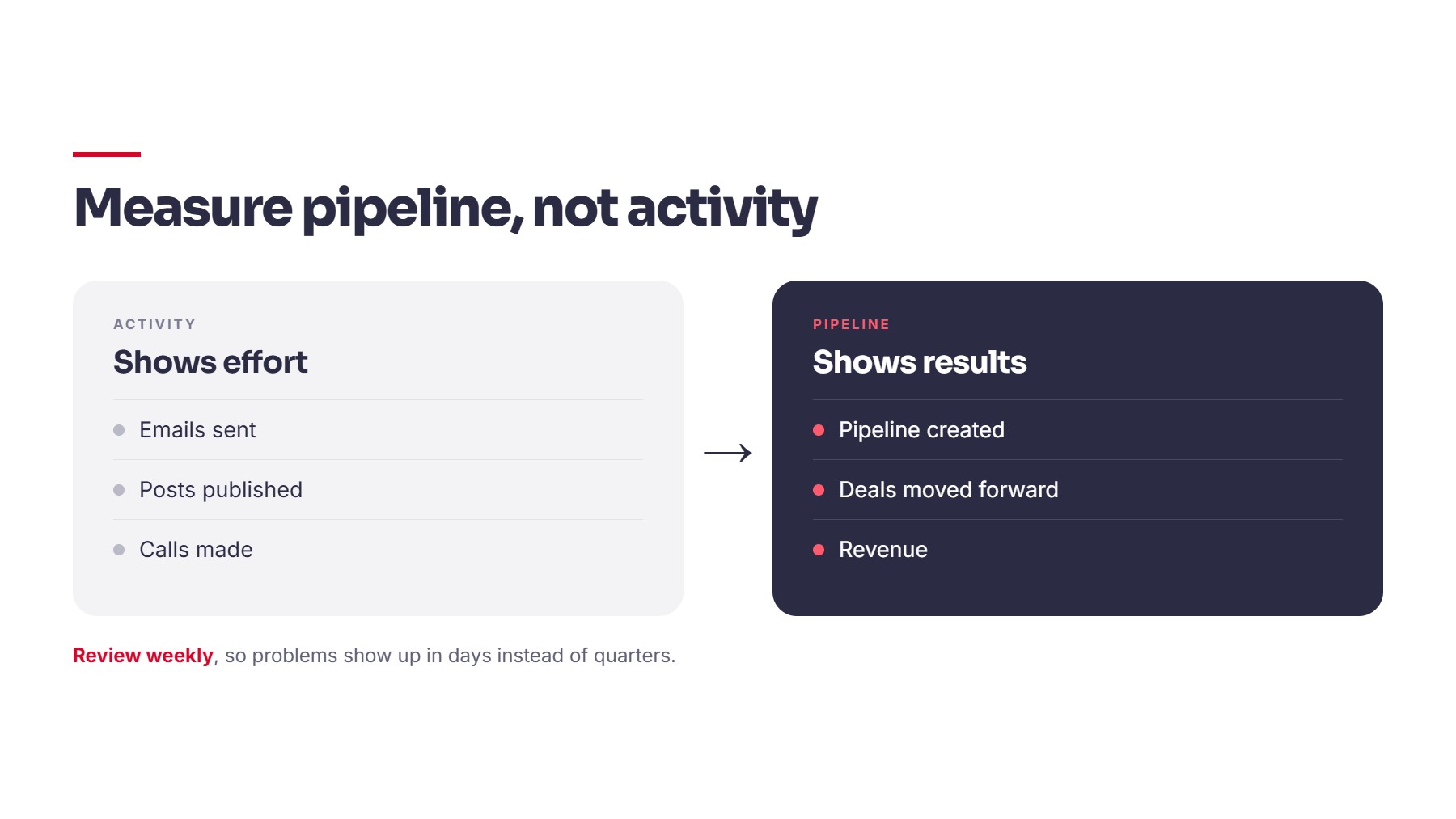
7. Measure pipeline, not activity. Emails sent and posts published show effort. Pipeline created, deals moved forward, and revenue show results. Review them weekly, so problems show up in days instead of quarters.
A Simple 90-Day Plan
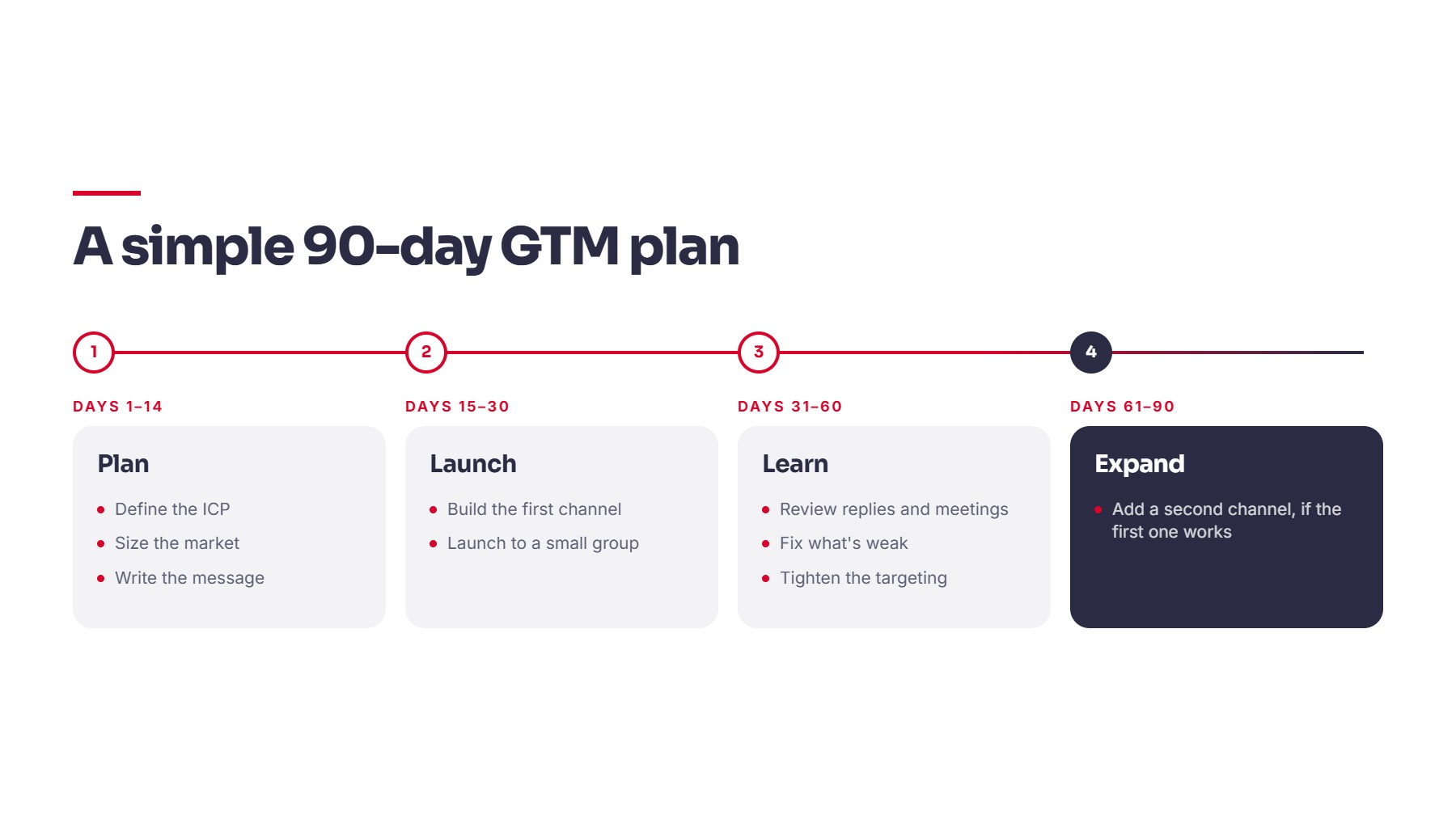
- Days 1 to 14: Define the ICP, size the market, write the message.
- Days 15 to 30: Build the first channel and launch to a small group.
- Days 31 to 60: Review replies and meetings, fix what’s weak, and tighten the targeting.
- Days 61 to 90: Add a second channel if the first one is working.
Our own process follows the same order: Audit, Architect, Activate, Optimize. You can see each phase in how we work.
Common Mistakes to Avoid
- Trying to sell to every company that could use the product
- Launching channels before the ICP is written down
- Judging campaigns by emails sent instead of meetings and pipeline
- Leaving CRM data without an owner
- Adding a third channel before the first one works
Quick Checklist
- ICP written down and specific enough to exclude companies
- Market size estimated
- One problem and one message defined
- Sales motion chosen
- One or two channels running from one account list
- Pipeline stages and deal sources tracked in the CRM
- Weekly review of pipeline, deals, and revenue
Closing
A GTM strategy doesn’t need to be long. It needs to be specific, written down, and tied to numbers you can check every week. One B2B SaaS company had its revenue data spread across five HubSpot hubs. The hubs were unified into one HubSpot architecture, the engine went live in four weeks, and meetings booked increased 80%. Defining the ICP and market size is the first part of how we work with SaaS teams. If you want a second opinion on your GTM plan, book a 30-minute call. We look at your current setup and tell you honestly what’s working and what isn’t.
Share this article